










 GitLab
 Email
Email
Double the Hotdial, Double the Fun
Previously, I bought a nice looking red Viking model K-1900W-2 on eBay with a vague idea of creating this project. After buying this phone I realized it was not such a strange device; a local grocery store I frequent (Meijer) uses them as employee phones around their stores.
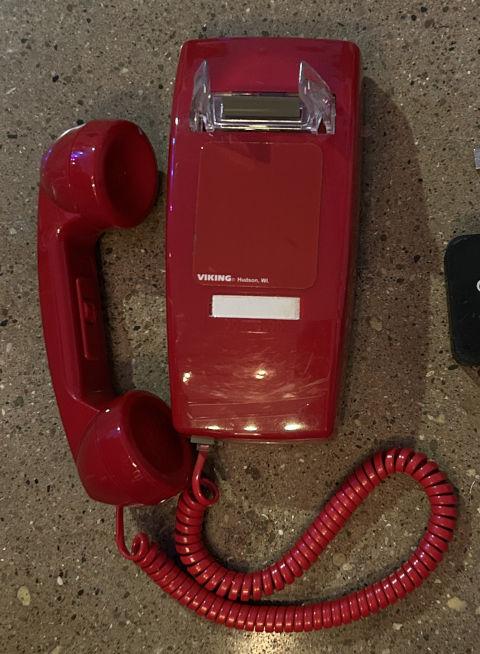
My vague project idea was simple: create a physical device to install in a public place that would call After the Beep when picked up. I wanted something with a form-factor similar to a payphone, but with more whimsy than a cold metal box (don’t get me wrong, I love payhones).
There are a few basic requirements driving the hardware selection for this project:
- A phone that has no ability for the user to dial a number
- An ATA with the ability to set up hot-dialing and WiFi connectivity
- A compact enclosure that requires a small footprint for installation
- Some exciting or interesting element to encourage people to use it
I have set up a few analog telephones on my home network using Grandstream ATAs, but everything I own is designed to be hard-wired via ethernet. I searched online for some solutions and landed on a “newer” Polycom (now sold/supported by HP) device called the OBi300 that has an optional add-on dongle (OBiWiFi5G) to enable 2.4GHz and 5GHz WiFi connectivity. I found both of these devices used on eBay.
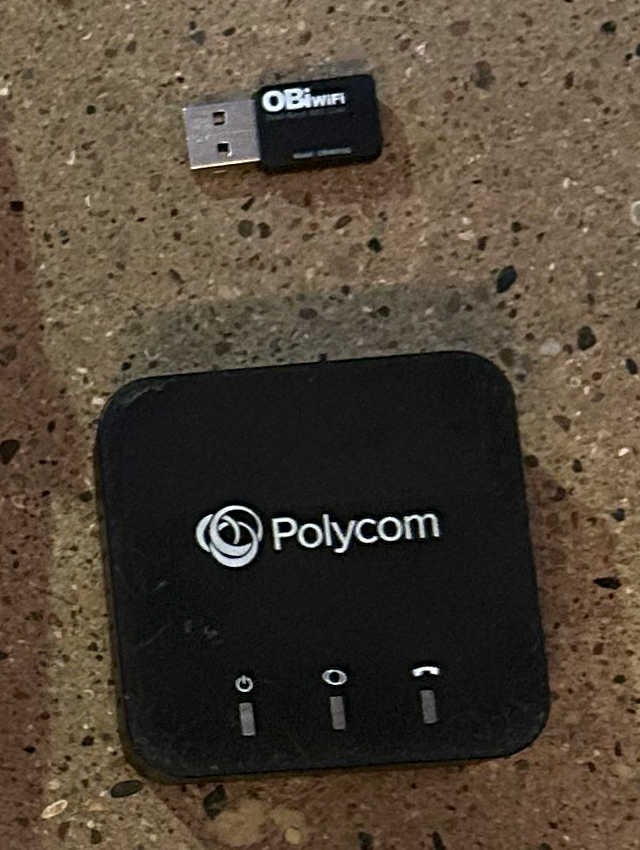
After receiving the devices I flashed the ATA with the newest firmware I could find on the HP site and set it up to connect to the same VoIP service that I use for After the Beep (VoIP.ms). Luckily, the OBi300 is officially supported by VoIP.ms and has setup instructions on their wiki.
I didn’t find a specific hotdial feature in the UI of the OBi300, but I did run into advice online that specified it was possible using a “DigitMap” configuration described in the admin guide:
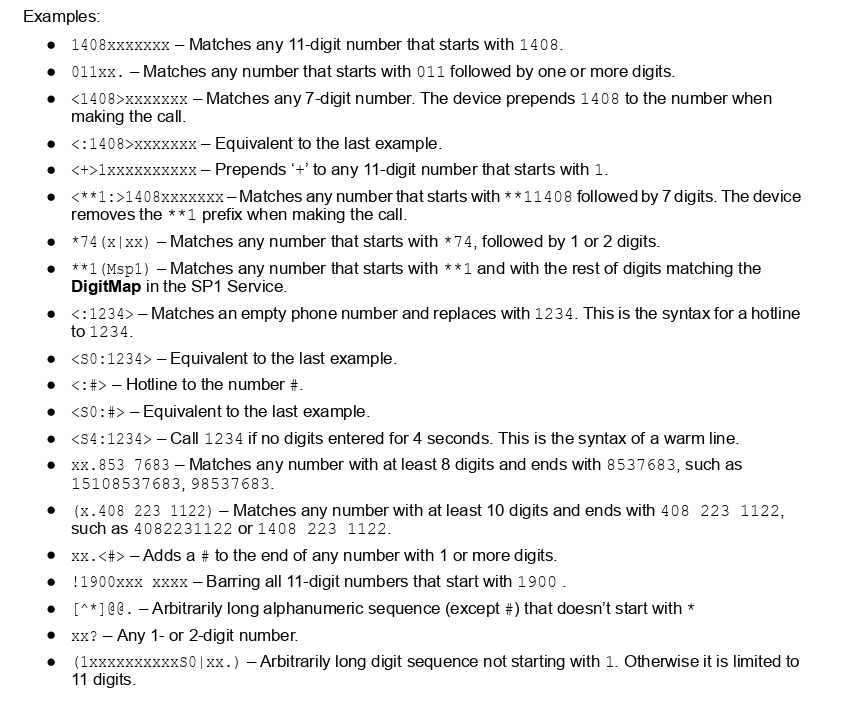
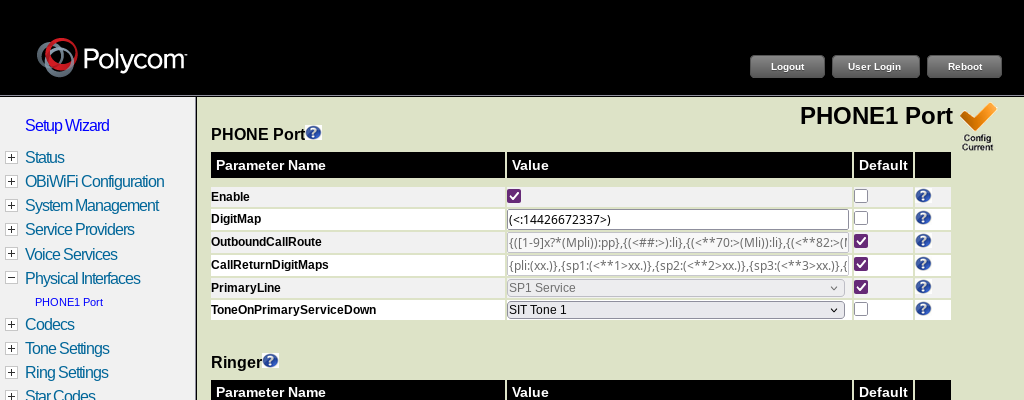
I used a DigitMap of (<:14426672337>) to set up an immediate call to be placed
as soon as the receiver is lifted on the connected phone. I also configured the
ATA to use the default
“SIT”
tone 1 when there is an issue – a familiar sound to callers in the US that
preceeds a voiced message describing a problem.
After getting everything configured, I tested the hotdial using a rotary phone that I had around. As soon as I picked up the receiver the call was placed just as I wanted. I plugged the red Viking phone in and found the same behavior, but with DTMF tones played over the voicemail greeting. A side note: the Viking has a male terminator on the back of the device, so I had to use a spare coupler to test it.
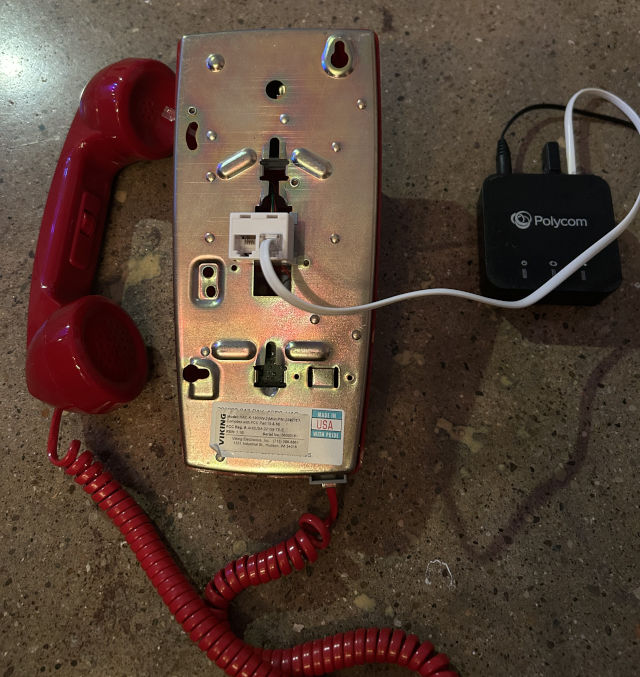
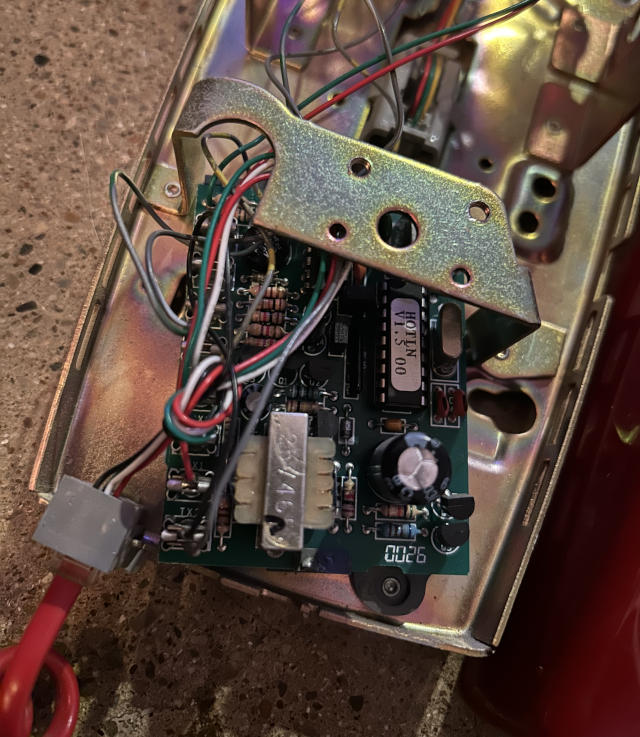
I checked the manual for the Viking phone and sure enough, it had its own hotline functionality. Opening the phone revealed a circuit that had an IC labelled “HOTLN v1.5 00” which appeared to be an older model of the K-1900-6 device described in the phone manual.
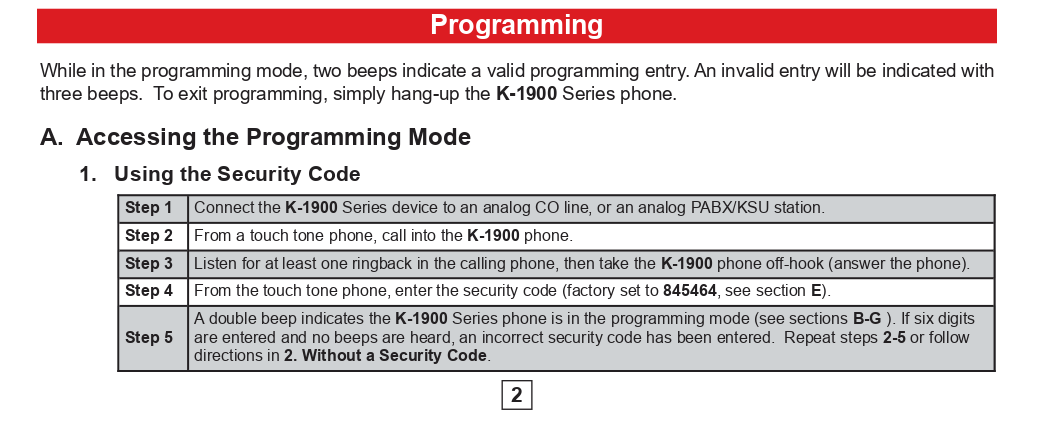
I followed the instructions in the manual and was able to enter “programming mode” by using my cell phone to call the Viking phone plugged into my home Grandstream.
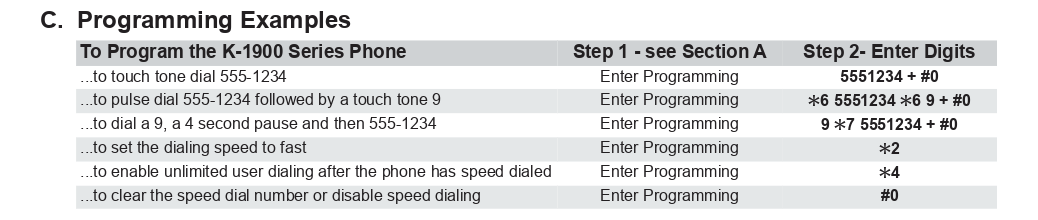
I cleared the hotdial number by entering #0 (the model I had did not accept
the ### “factory reset” code mentioned in the manual).
After all this setup I now had a WiFi enabled hotline configured to call After the Beep.